| | Product(s): | Bentley PlantSpace Isometrics | |
| | Version(s): | 08.09.04.34 | |
| | Environment: | Windows XP | |
| | Area: | Settings/Attributes | |
| | Subarea: | N\A | |
When generating an iso, how can we change the round point number "bubbles" as well as elbows, as shown below, to square instead?
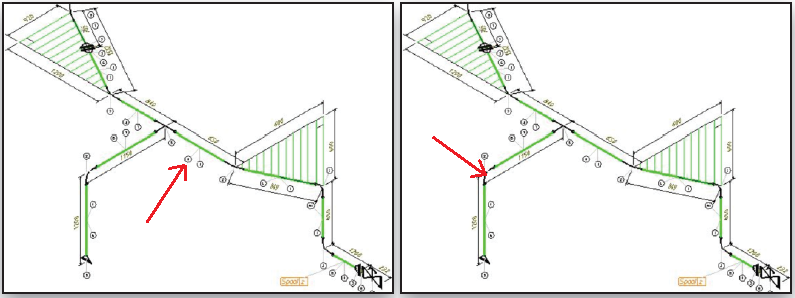
Steps to Accomplish
- Open the custom.cel cell library in MicroStation (located in the \project\isoextractor\cell folder) by choosing Element > Cell.
- Import these two cells from lisocomp.cel: "90BW" and "POSNUM".
- Change the layout of the cells as needed using MicroStation modification tools, leaving the construction mode connect points of 90BW untouched.

| | Original Author: | Steve Cocchi | |