- Expand the Deliverables Management node under your associated work area.
- Expand the Outgoing folder and select the Transmittals folder.
- Open the transmittal you are considering creating a new version of.
- On the Documents tab, select the filter, Show modified after issue.
This will show you which documents (if any) in this transmittal have been modified since the transmittal was issued.
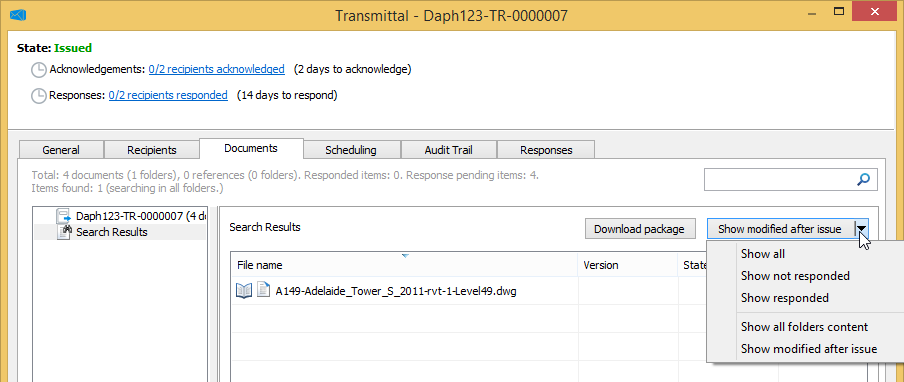
If no documents have been modified, there is no reason to create a new version of the transmittal, and you can stop here.
If one or more documents have been modified and you want to create a new version of the transmittal, continue with the next step.
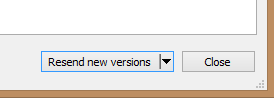
- In the lower right corner of the transmittal, click Resend new versions.
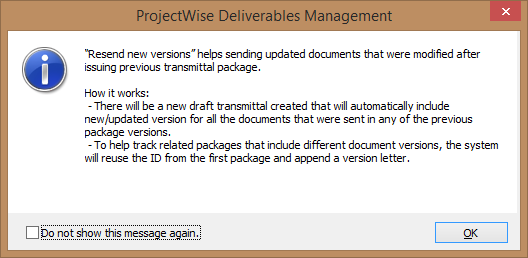
- The first time you use this feature, a message window opens, explaining how this feature works. Read the message and click OK.
A new transmittal draft is created from the original transmittal.
The new draft:- automatically includes only the documents that have been updated since you issued the original transmittal (documents that have not been updated are not included by default)
- contains the same recipients, scheduling, and general information as the original transmittal
- has the same ID as the original transmittal, plus a letter appended to the ID, to denote that it is a new version of the transmittal. For example:
original transmittal ID:
123-PS-TWR-TR-0000001
new draft transmittal ID:
123-PS-TWR-TR-0000001 - B
[Note: A document will be automatically added if any of these conditions are true:- if the document's file has changed, or if the document's properties have changed since the original transmittal was issued
- if newer versions of a document where created since the original transmittal was issued - in this case the latest version (which is the active version) of a document will be added
- if a master document's references have been updated since the original transmittal was issued - in this case the master document will be added]
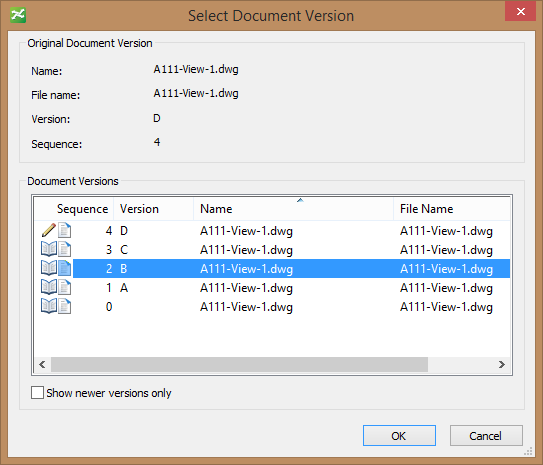
- If you want to replace the active version of a document with an earlier version, right-click the document on the Documents tab and select Replace Document With Version, then select the version you want from the Select Document Version dialog. This dialog shows all the versions associated to the selected document.
- If you want to remove any documents from the draft, right-click the document(s) you want to remove on the Documents tab and select Remove Document(s).
- Make any additional changes if needed, save the draft, and issue the transmittal when ready.
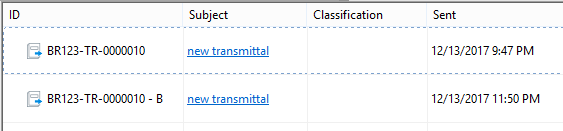
The Outgoing > Transmittals folder, showing two issued transmittals: the first is the original, the second is a version of the original:
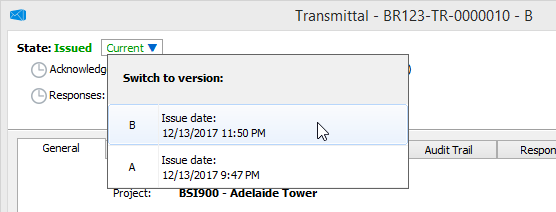
Once you issue a new version of a transmittal, you can open any version of that transmittal and switch between the versions in order to compare the differences. The latest version is referred to as the current version, and any earlier versions (including the original) are referred to as superseded versions.
Opening a superseded version of a transmittal and switching to a different version:
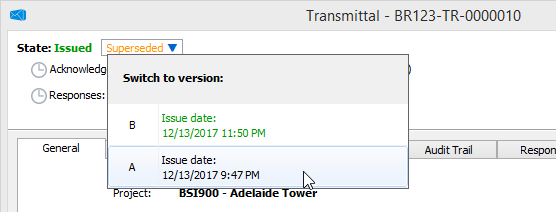
Opening the current version of a transmittal and switching to an earlier (superseded) version: