This procedure assumes that an internal participant has sent you a transmittal draft to review. You can review the draft, make changes to the draft, reject the draft, or if you have the Issue package permission you can also issue the transmittal.
- Go to the Drafts or Drafts > Transmittals folder and open the transmittal draft you have been asked to review.
- Review the contents of the draft and make changes as needed.
- If you want to issue the transmittal, click Issue.
- If you want to reject the transmittal draft:
- Click the menu next to the Issue button and select Reject draft.

The Draft Rejection dialog opens.

- Enter a reason for rejecting the draft and click Reject.
- When the confirmation dialog opens, click Close.
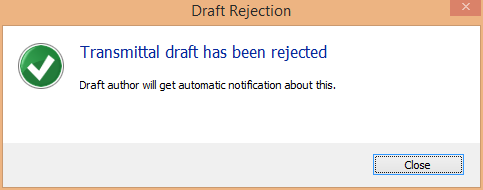
An email notification is sent to the draft author informing them of the rejection. The draft is unlocked to the draft author who can now open the draft, make the necessary modifications, and send out it for review again or issue it.
- Click the menu next to the Issue button and select Reject draft.