- Expand the Deliverables Management node under your associated work area.
- Either select the Drafts node to see a list of all draft transmittals and RFIs in this project, or expand the Drafts node and select Transmittals to see only the transmittal drafts in this project.
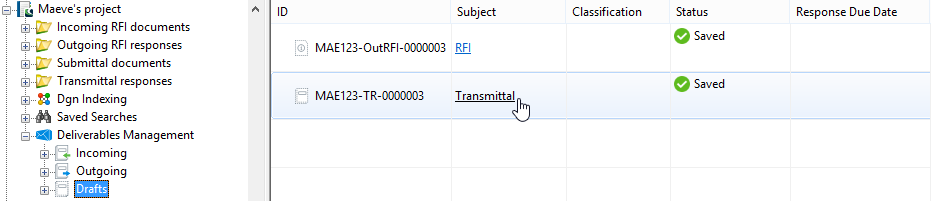
- To open a draft:
Right-click a draft in the list and select Open.
or
Click the link in the Subject field of a draft in the list.
or
Double-click a draft in the list.